Ask AI and your AI app
Hold something up to the camera, or capture the screen, and ask the AI app you already use.
In the gesture camera, the "I love you" sign starts Ask AI: a short countdown, then a photo that goes to your AI app with the question "What is this?". The photo is not saved to your gallery.
To pick the app, open Settings, Voice and AI, Preferred AI app. Only apps on this phone that accept images are listed. Ask every time shows Android's share sheet.
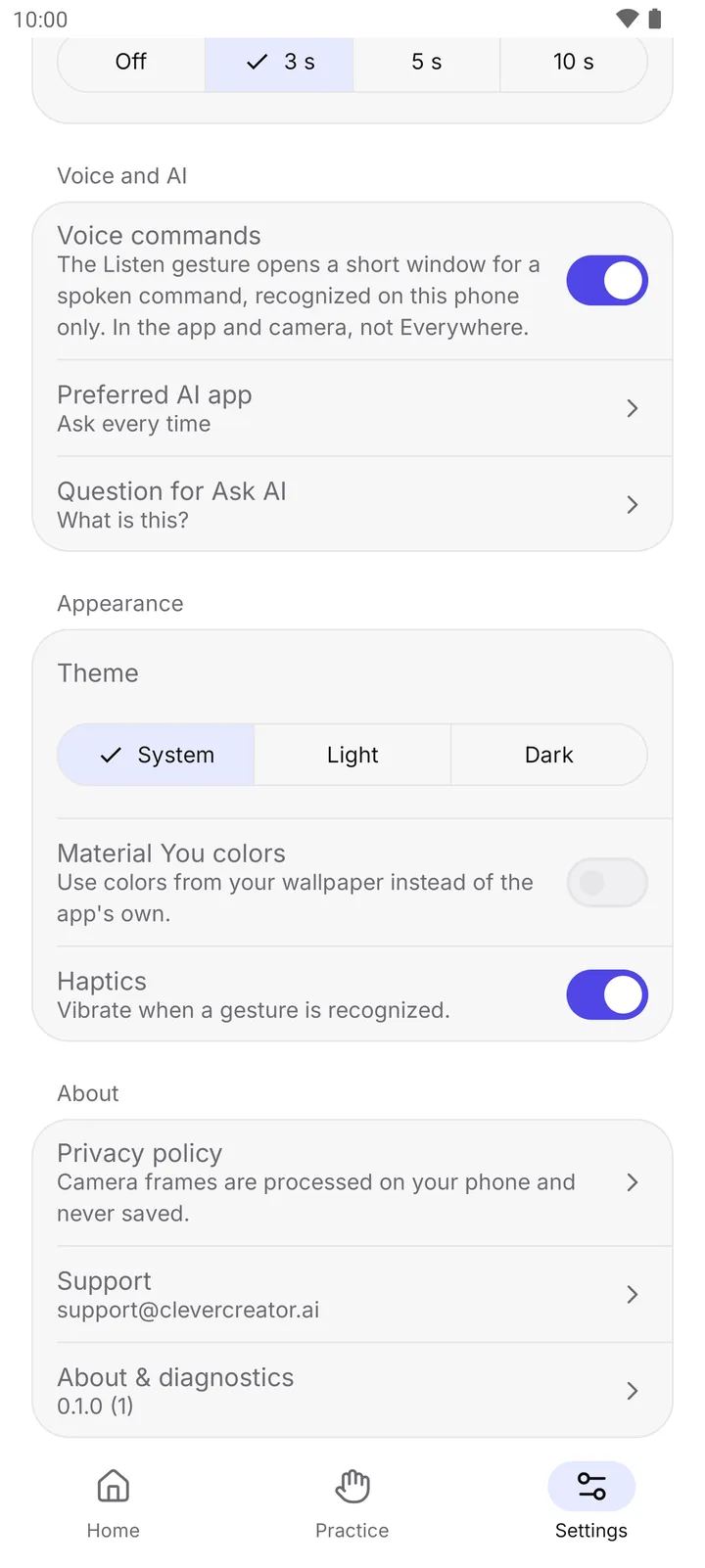
- Voice commands
- Preferred AI app
Question for Ask AI changes the text sent with the image. Leave it empty to send only the image.
In Everywhere (Android 11 and newer), map Ask AI to a gesture in Edit gestures, Everywhere tab. The gesture then takes one screenshot of the current app and hands it to your AI app.
How to turn it off
- Map the gesture to another action in Edit gestures. Images stay in the app's private cache and are deleted within minutes.