Turn everything off or uninstall
Every switch is yours. Here is where each one lives.
Stop Everywhere: tap Stop on Home, in the notification or on the Quick Settings tile.
Accessibility service: Android Settings, Accessibility, AirFlick AI, turn it off.
Camera and microphone: Android Settings, Apps, AirFlick AI, Permissions.
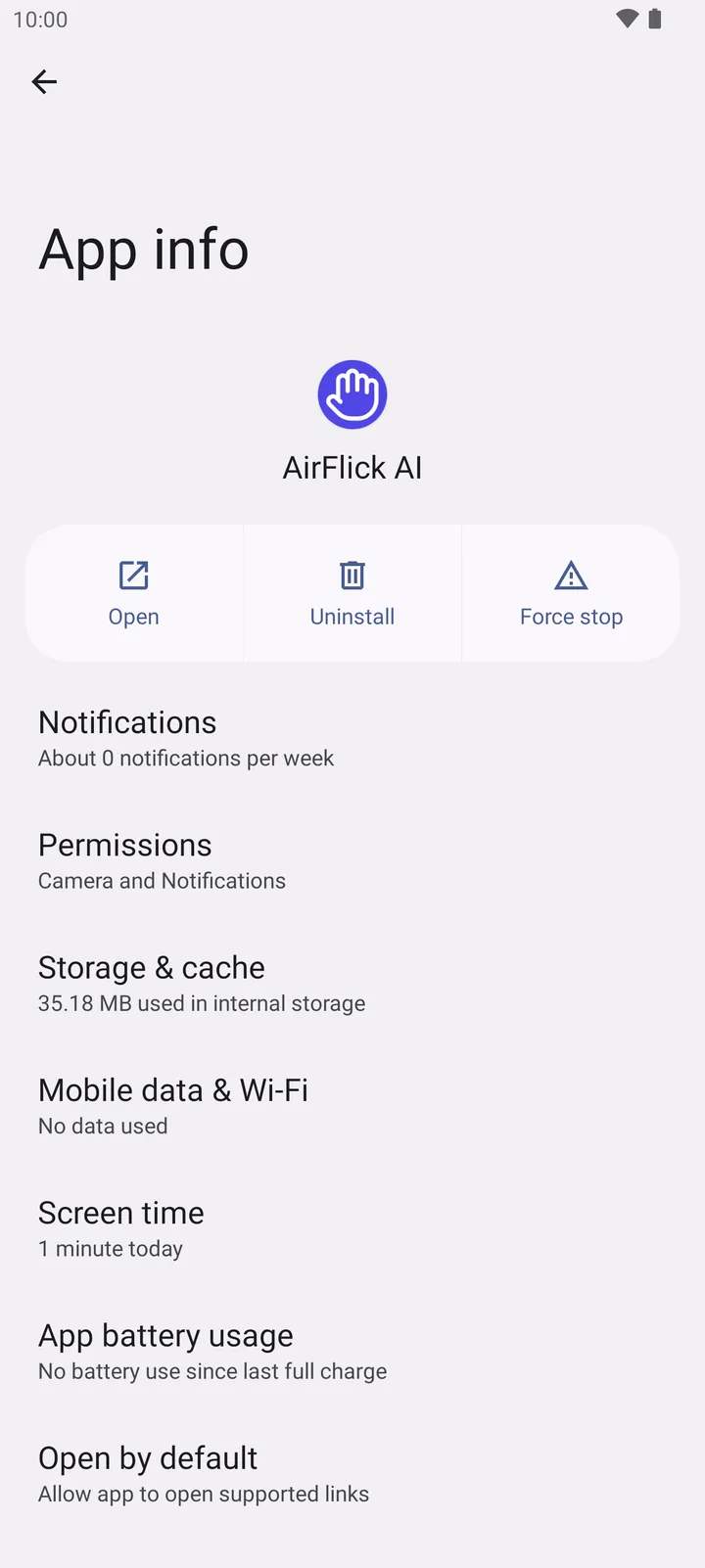
- Permissions
Uninstall: App info, Uninstall. Settings and gesture maps are stored only on the phone and are removed with the app. Nothing is kept online.